The SEOFuxx File Merger scans a website and combines the local CSS and JavaScript files you pick.
What the merger currently does
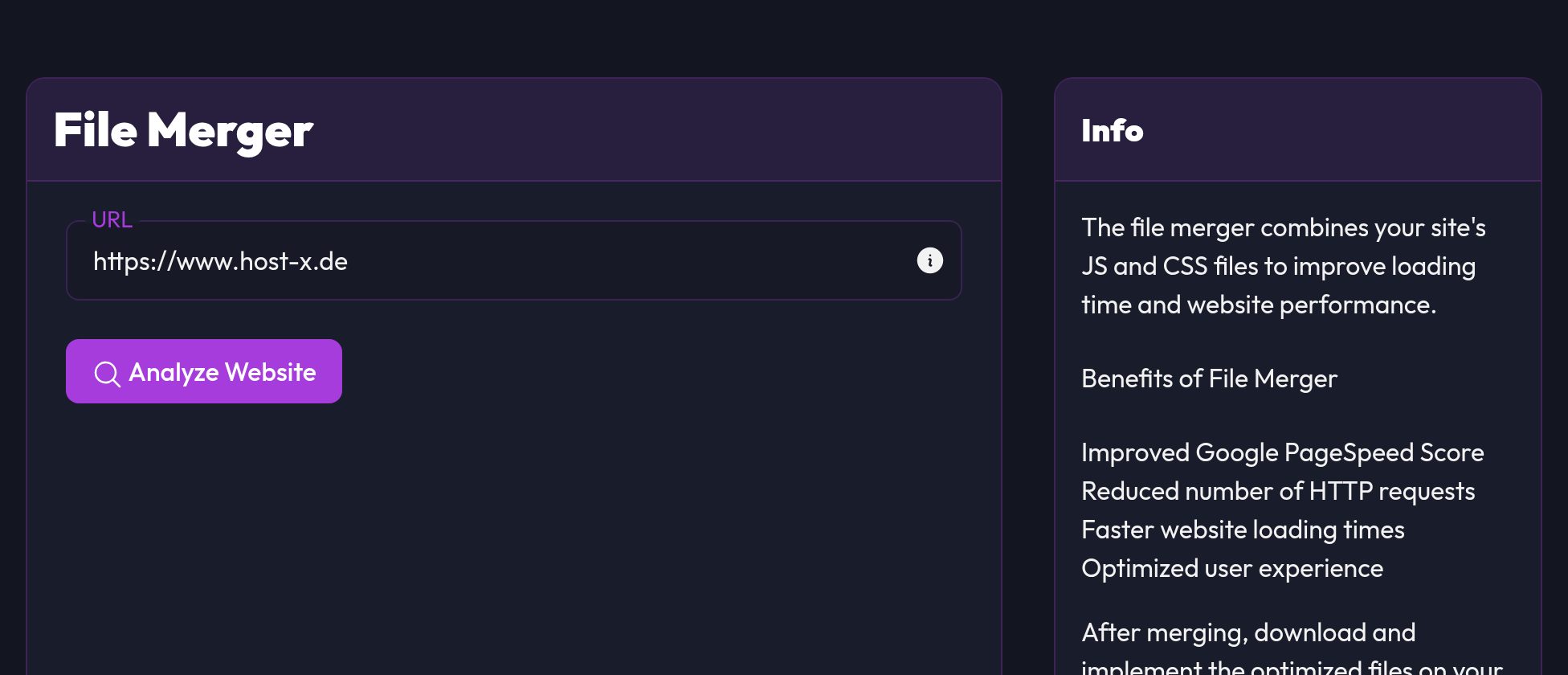
It scans the URL you give it for local .css and .js files and shows everything it finds as a clickable list. Your selection becomes one CSS and one JS file, minified if you like (Minify files switch).
Step by step
- Open File Merger in the navigation
- Enter your domain (e.g.
https://your-website.com) - Click Analyze website
- Select the files to be merged
- Leave Minify files on if you want the files small
- Click Merge files
Result files
After the merge, two files are ready:
global.jsglobal.css
The download links appear right below in the tool.
Integration on your website
- Upload
global.jsandglobal.cssto your server - Replace the previous individual includes with the new files
- Then clear the browser/server cache
This is what the include looks like:
<link rel="stylesheet" href="/assets/global.css?v=1" />
<script src="/assets/global.js?v=1"></script>
Important notes
Order of JavaScript
With JavaScript the order matters. jQuery and other libraries have to load before the plugins that need them.
External resources
The merger only works with local files. Anything that comes from a CDN isn't picked up reliably.
After every frontend update
If your CSS or JS files change, run the merge again, otherwise your site keeps serving the old version.
Troubleshooting
Layout or functions broken after merge
- Check the JS order first
- Leave a suspicious file out of the merge as a test
- Clear the cache and test once more
File not found
- Are the paths to
global.jsandglobal.csscorrect? - Are the files really on the web server?
Tip
Measure before and after with PageSpeed Insights or Lighthouse. Then you can see whether the effort paid off.