The SEOFuxx Sitemap tool creates a sitemap.xml for you. You can download it or send it straight to Google Search Console.
How it currently works
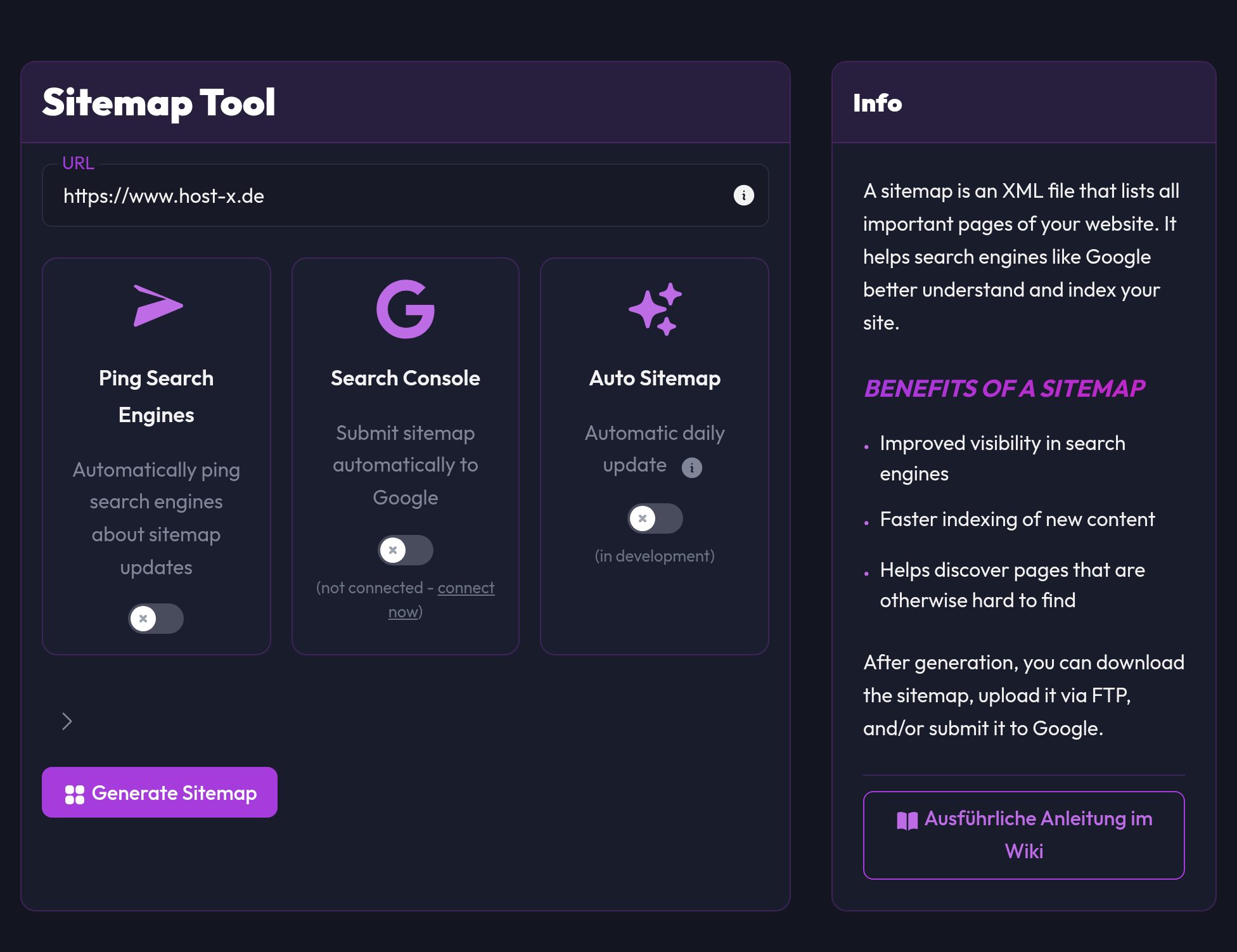
The tool consists of three areas:
- Enter domain
- Optional switches
- Search Console submit
- Ping Search Engines
- Auto Sitemap (currently in development)
- Advanced settings
- Maximum number of URLs
- Maximum crawl depth
Generate a sitemap
- Go to Sitemap
- Enter your domain (e.g.
https://your-website.com) - If needed, open the advanced settings and adjust the URL limit/depth
- Click Generate sitemap
- When finished you get a download link and the crawl log
Tip: On larger websites, start with a medium depth and only go higher once the result looks right.
Using Search Console submit
You can only use the Search Console switch if your Google account is connected. Here's how:
- Connect under Account → Search Console
- Enable Search Console in the Sitemap tool
- Generate the sitemap
- The tool does the rest: the sitemap is submitted automatically afterwards
Auto Sitemap
You can already see the Auto Sitemap option in the interface, but it is still in development and doesn't do anything yet.
Common problems
Search Console switch is disabled
- No Google Search Console is connected in the account yet
Sitemap contains too few pages
- Raise the URL limit and the crawl depth
- Look at your internal linking: what isn't linked, the crawler won't find
Recommendation
Check the sitemap locally first: download it and look at the content. After that you can switch Google on. And after bigger changes to the website, it's best to generate it again.